Best overall: a front-and-rear dash cam. Best for curbside parking: a buffered parking-mode setup. Best for passenger-facing recording: a three-channel setup. Best for simplicity: a front-only camera. This 2026 guide ranks configurations so you can choose the best dash cam for DC drivers by coverage, power requirements, and recording needs—not by a feature-heavy spec sheet.
- The best dash cam for DC drivers is a front-and-rear setup for everyday road coverage.
- Choose buffered parking recording only after checking power requirements and battery protection.
- Choose three-channel recording when cabin footage serves a clear purpose; address passenger privacy first.
- Ceeskillz Emergency Roadside provides 24/7 mobile roadside assistance in Washington, DC; dash cams document incidents, not fix breakdowns.
Why this matters
A dash cam records what happens within its field of view. It does not prevent a collision, guarantee readable license plates, or prove everything that happened outside the frame. Choose coverage first, then image quality and recording features.
For DC driving, separate your needs into moving traffic, parked-car incidents, and passenger interactions. Those are different recording jobs. A camera that handles one does not automatically handle the others.
A breakdown also needs a different response. Ceeskillz Emergency Roadside provides towing, lockout assistance, jump starts, fuel delivery, and tire/battery services in Washington, DC. Keep recording equipment and roadside assistance separate in your emergency plan.
What makes the best dash cam for DC drivers
Use these criteria to judge a 2026 shortlist before comparing model names:
- Useful coverage: A front camera records ahead; a rear camera adds a separate view behind. Cabin recording serves a different purpose from rear-road recording.
- Usable footage: Review original sample clips in daylight and darkness. Check moving vehicles, bright headlights, and shadowed areas—not just a stationary demonstration.
- Reliable storage: Confirm the supported memory-card type, capacity, and formatting procedure. Recording depends on the card as well as the camera.
- Appropriate power: Separate driving-mode power from parked-car power. Check the exact installation requirements and battery-protection features.
- Straightforward retrieval: You should understand how to protect, locate, and export a clip before an incident happens. An app is useful only if you can retrieve the original file.
- Safe installation: Keep the camera and cables clear of your sightline, controls, and airbag deployment areas. Follow the vehicle and camera instructions.
A long feature list cannot compensate for a blind spot or an unreadable recording. In 2026, judge the complete installation—not just the camera mounted on the windshield.
Best dash cam setups at a glance
These are ranked configurations, not claims that every camera within a category performs equally. Check the exact model's documentation before buying.
| Rank | Setup | Best for | Standout feature | Key limitation |
|---|---|---|---|---|
| 1 | Front-and-rear dash cam | Everyday road coverage | Separate views ahead and behind | Does not provide dedicated cabin or side coverage |
| 2 | Buffered parking-mode setup | Recording around parked-car events | Saves footage before a trigger when supported and enabled | Requires compatible power, configuration, and storage |
| 3 | Three-channel dash cam | Passenger-facing recording | Front, rear, and cabin views in one supported system | Adds privacy decisions and recording complexity |
| 4 | Front-only dash cam | Simple forward recording | Fewer cameras and cables to manage | Leaves rear incidents outside its dedicated coverage |
Parking mode is a feature, not a separate camera count. A front-and-rear system can also support buffered parking recording. The ranking identifies your main buying priority rather than treating these options as mutually exclusive.
1. Front-and-rear dash cam: best for everyday road coverage
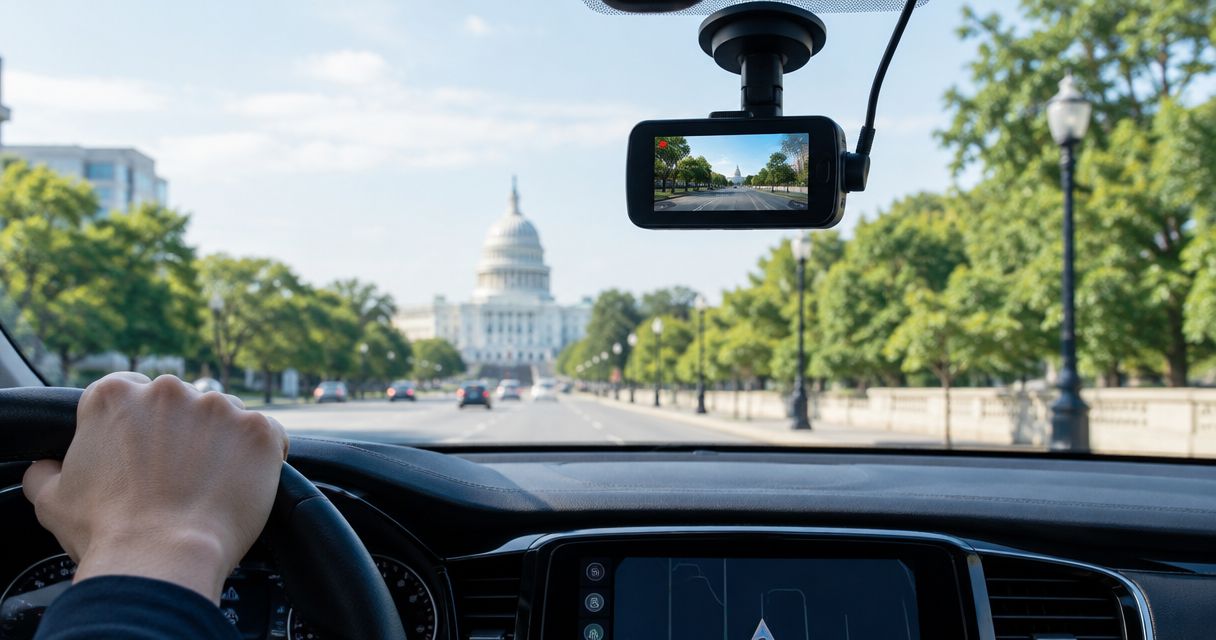
A front-and-rear dash cam uses 2 camera channels to record separate road views. The front camera covers the scene ahead; the rear camera adds a view behind your vehicle. This is the default recommendation when you want road-facing evidence without deliberately recording passengers.
Look closely at the rear camera's sample footage. A strong front recording does not establish the quality of the rear recording, especially through glass with tint, reflections, or heating elements.
Front-and-rear dash cam pros:
- Records approaching traffic behind your vehicle as well as the road ahead.
- Gives you separate views when an incident develops across both directions.
- Avoids adding a dedicated cabin view when you do not need one.
Front-and-rear dash cam cons:
- Requires routing a rear-camera cable and choosing a suitable mounting position.
- Does not provide complete side coverage.
- Needs a rear-window installation that preserves visibility and cable movement.
Best for: Drivers who want broader road coverage on ordinary trips.
If you drive a hatchback or SUV, account for the opening rear door when planning the cable route. Do not leave a cable stretched across a moving joint. Verdict: Buy a front-and-rear setup as the default; verify both camera views before accepting the installation.
2. Buffered parking-mode setup: best for curbside parking
Buffered parking recording retains footage from before a detected event when the feature is supported, enabled, and powered correctly. That pre-event footage distinguishes buffering from a mode that starts recording only after a trigger.
For your 2026 shortlist, read what parking mode actually does. Motion detection, impact detection, time-lapse recording, and buffering describe different functions. A product listing that says parking mode does not establish that it includes all of them.
Buffered parking-mode setup pros:
- Provides context before a detected event when buffering operates as intended.
- Extends recording beyond journeys when the installation supplies suitable power.
- Can combine with front-and-rear coverage rather than replacing it.
Buffered parking-mode setup cons:
- Requires attention to power supply and vehicle-battery protection.
- Cannot record outside the installed cameras' fields of view.
- Depends on settings, trigger behavior, and available storage.
Best for: Drivers whose main concern is documenting events while the vehicle is parked.
Ask the installer how the camera enters parking mode and what stops it drawing power. A low-voltage cutoff is a protection feature, not permission to ignore an aging or weak vehicle battery. Verdict: Buy only after confirming the complete parked-power installation; hold if the power plan is unresolved.
3. Three-channel dash cam: best for passenger-facing recording
A front/rear/cabin configuration uses 3 camera channels to cover those distinct views. Check that exact layout: the term three-channel alone does not tell you where each camera points.
Cabin footage serves a specific purpose. If you need to document passenger interactions, an inward-facing view adds information that a road-facing camera cannot capture. If you do not need that information, extra recording creates extra files and privacy decisions without solving your main road-coverage problem.
Three-channel dash cam pros:
- Adds a dedicated view of the passenger compartment.
- Combines cabin and road recording in a supported camera system.
- Lets you assess a passenger interaction alongside the recorded driving context.
Three-channel dash cam cons:
- Requires decisions about notice, consent, audio recording, and file access.
- Adds recordings to review and manage.
- Needs careful positioning so the cabin view serves its intended purpose.
Best for: Drivers with a defined need to record passenger-facing events.
Review applicable recording requirements before enabling cabin audio. Do not assume video and audio follow identical rules, or that crossing jurisdictional boundaries changes nothing. Verdict: Buy when cabin recording has a clear purpose; skip it when forward and rear road coverage meet your needs.
4. Front-only dash cam: best for simple forward recording
A front-only dash cam uses 1 camera channel to record ahead of the vehicle. It is the simplest configuration in this guide, with no separate rear-camera cable to route.
The trade-off is coverage, not necessarily front-image quality. A front-only camera can document the scene ahead, but it cannot supply a dedicated rear view merely because its forward lens has a wide viewing angle.
Front-only dash cam pros:
- Keeps camera placement and cable routing simpler.
- Focuses your footage review on a single road-facing view.
- Fits a straightforward need: recording what happens ahead.
Front-only dash cam cons:
- Does not record a dedicated view behind your vehicle.
- Leaves passenger interactions outside its intended coverage.
- Still requires storage checks and a safe power connection.
Best for: Drivers who prioritize uncomplicated forward recording and accept its blind spots.
Check how your accessory outlet behaves when the vehicle is switched off. If your vehicle uses a 12-volt accessory outlet, that voltage alone does not tell you whether the outlet remains powered after shutdown. Verdict: Buy for simplicity; skip if rear-road or parked-car coverage is your main reason for purchasing.
How we ranked these setups
The ranking prioritizes useful coverage, then the additional requirements each configuration creates. Front-and-rear recording is the default because it adds a separate rear view without requiring cabin recording. Buffered parking mode moves ahead of it when parked-car evidence is your primary objective.
This is a configuration guide, not a lab-tested model leaderboard. It does not assign scores to unnamed hardware or assume that a high resolution guarantees readable details. For a 2026 purchase, compare original recordings and the exact manual for every model you shortlist.
Which dash cam should you choose?
Choose a front-and-rear dash cam unless you have a specific reason to prioritize another configuration. Add buffered parking mode when parked recording matters and you have a suitable power plan. Add cabin coverage only when you actually need it.
Keep these decisions separate:
- Coverage: Which views must the camera record?
- Recording behavior: Must it record only during trips or while parked too?
- Power: How will each recording mode receive power safely?
- Retrieval: How will you protect and export the original files?
For roadside help rather than recording equipment, Ceeskillz Emergency Roadside is best for stranded DC drivers who need 24/7 mobile roadside assistance. A camera documents the situation; the appropriate roadside service addresses the breakdown.
Get help with a roadside breakdown
24/7 mobile roadside assistance for stranded drivers in Washington, DC.
Before your first drive: check the whole recording system
Finish your 2026 installation with a recording check, not just a power-on check. A camera displaying a live picture does not establish that it has saved a usable file.
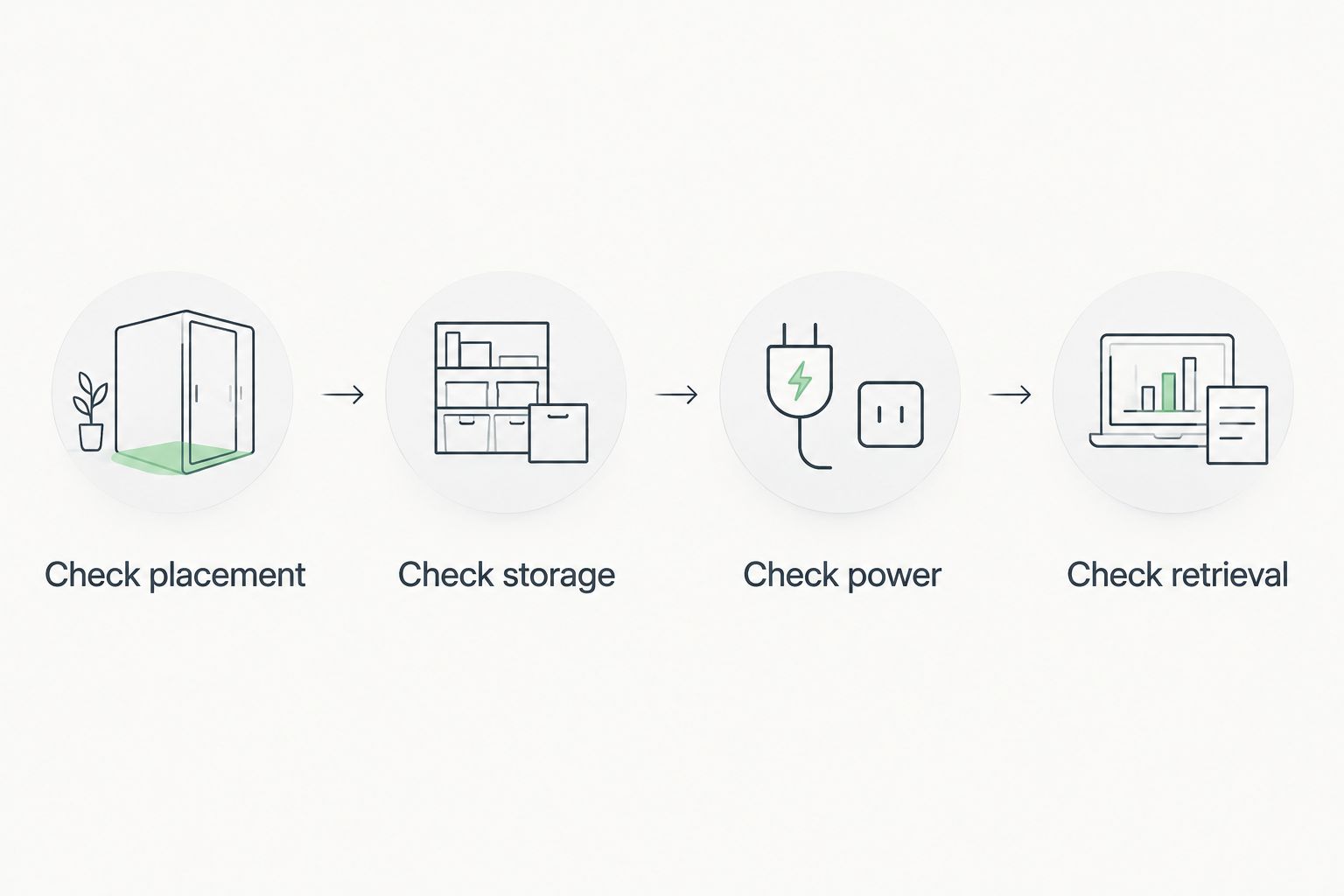
- Check placement: Inspect the view from every installed camera. Keep the equipment out of your sightline and clear of airbag deployment areas.
- Check storage: Install a compatible card and follow the camera's formatting instructions. Confirm that recording starts without a storage error.
- Check power: Verify driving-mode behavior and, if fitted, the transition to parking mode. Have the installer explain the battery-protection settings.
- Check retrieval: Record a routine trip, park safely, and export the original footage. Confirm the date, time, and relevant camera views.
Repeat the checks after changing the memory card, moving a camera, or adjusting recording settings. Learn the event-protection control while parked, not during an emergency.
After an incident, put personal safety before footage retrieval. Protect the relevant recording once you are safely stopped; loop recording can overwrite older unprotected files as storage fills. Keep the original file rather than relying only on a compressed messaging-app copy.
FAQ
What's the best dash cam for DC drivers in 2026?
A front-and-rear dash cam is the best default configuration for DC drivers who want everyday road coverage. Choose buffered parking recording instead as your main priority when parked-car events matter most and you have a suitable power installation.
Is a front-and-rear dash cam better than a front-only camera?
A front-and-rear dash cam provides broader road coverage because it records separate views ahead and behind. A front-only camera is simpler, but it cannot provide a dedicated rear recording.
Does parking mode record before someone hits my car?
Buffered parking mode can retain footage from before a detected event when the camera supports buffering and it is correctly enabled and powered. Parking mode alone does not establish that pre-event recording is included.
Will a dash cam drain my car battery?
A dash cam drawing power while the vehicle is parked uses energy from its power source. Confirm the installation's battery-protection settings and power arrangement rather than assuming a parking-mode label prevents battery depletion.
Do I need a cabin camera for normal commuting?
You do not need a cabin camera solely to record the road ahead and behind. Add cabin recording when passenger-facing evidence serves a clear purpose, and address applicable privacy and audio-recording requirements first.
Does higher resolution guarantee readable license plates?
Higher resolution does not guarantee readable license plates. Motion, lighting, exposure, distance, and camera placement also affect the details captured in a recording.
Can Ceeskillz Emergency Roadside help if my car will not start?
Ceeskillz Emergency Roadside provides 24/7 mobile roadside assistance in Washington, DC, including jump starts and battery services. Dash cam footage does not diagnose the cause of a no-start condition; describe the symptoms when requesting assistance.
One last thing
Make your first saved dash cam clip an ordinary trip, not an emergency. Export it, open it on another device, and check that each intended view is present. That exercise exposes a storage or retrieval problem before you depend on the recording.
For your 2026 emergency plan, also keep your vehicle location and breakdown symptoms ready to share. Ceeskillz Emergency Roadside handles roadside assistance; your camera handles documentation. Neither replaces the other.